Published on:
•
Last Updated:
Once a project is ready for print, in that the PDF file has been set up correctly, the print specifications are chosen, and the artwork has been sent to the printer, comes an important step before it actually goes to print. That step is proofing.
Proofs are something many authors don’t quite expect if they’ve never printed with a commercial printer before. This is why we thought it would be helpful to explain what a proof even is, and which proofs are worth your time - because not all proofs are the same! Understanding these differences can save you lots of time, money and headaches along the way.
What is a proof?
Proofs are essentially evidence or a test version of what will be produced in a print run prior to production. They are sent to clients before something is printed as a quality assurance method, to make sure that we’re printing the correct artwork and that the client is happy for the artwork to be printed. The approved file is verification, or ‘proof’ (yes, that’s where it came from) that the client is accepting responsibility for what will be printed in the final print run.
Getting a proof from a printer before a print run is standard practice, and especially important if there are already multiple versions of a file, and you do not want an earlier version to be mass-produced if it’s not accurate. It’s also important as another opportunity to double check the artwork in case there were any typos, mistakes or issues with the file like wrong margins, fonts not working correctly, pixelated images, colours not matching etc.
We define a proof as evidence or a test version, because not all proofs are actually printed onto paper. There are a few different types of proofs:
Digital proofs / Soft proofs
These proofs are usually press-ready PDFs sent back to the client, to get approval that we’re printing the correct artwork, and gives them a chance to look over the digital file again to spot anything that needs to be changed or updated. Most printers, including the FolioFox team, will always provide a digital proof, before any printing goes ahead. It’s crucial to avoid costly mistakes, as we would not want to be printing hundreds of papers if they’re not the right ones in the first place.
Printed proofs / Hard proofs
Unlike the digital proofs, printed proofs (also known as hard, hard copy and physical proofs) are test prints where the artwork has been printed on paper and is physical evidence of what will be produced during the final print run. These proofs are great to check the artwork on the paper stock you’ve chosen and the ideal choice, especially for a mid-large print run.
Printed proofs can be both unbound and bound, and the difference between them is pretty straightforward.
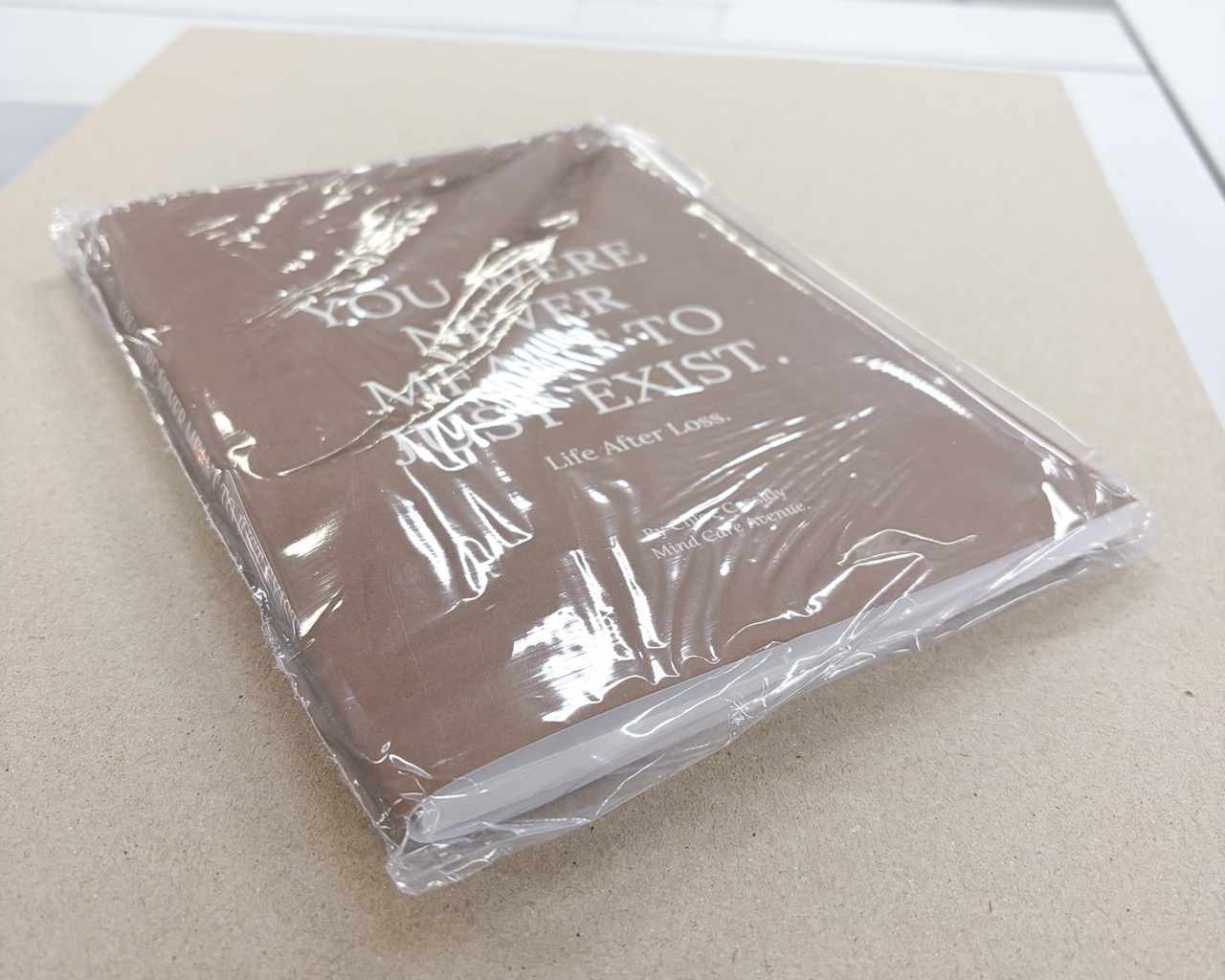
Unbound proofs are printed proofs that haven’t been bound. If you’re printing a book with FolioFox, an unbound proof you’d receive would consist of the book cover spread as one sheet of paper and the book block of internal pages. These are essentially all of the components of the book, without the binding or finishing. Note that this means your book cover won’t have been laminated or finished. This is because this type of proof is purely for you to check the artwork when it has been printed, but before it’s continued onto the rest of the production process.
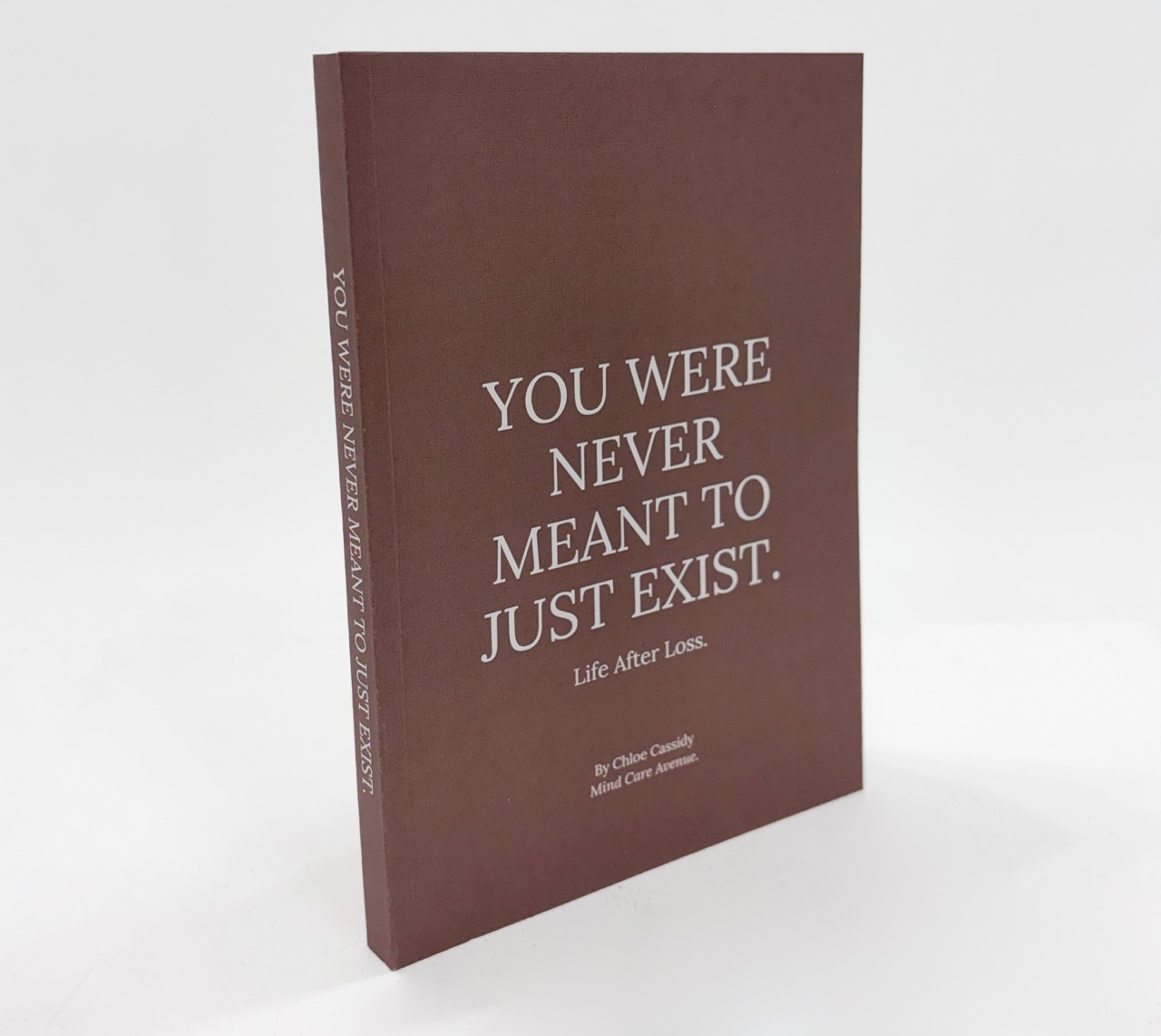
Bound proofs are printed proofs that have been bound as they are intended during final production. When printing books, these proofs are like test prints much like Advance Reader Copies, except a client would usually only receive one bound proof, unless otherwise requested. The artwork is printed and bound as per the print specifications and a great way to see how the final project will turn out in the print run. It’s also a good way to see how the book feels and reads, as you’d be able to read it like any other book.
Why getting a proof of your book matters
Proofs are not only a great way to review your artwork before it goes to print, but they’re also a standing agreement of trust with your printer. As a commercial printing company, we understand the investment that goes into producing books, especially for self-publishing authors, and we never want to be in a position where what we’ve printed is incorrect or inaccurate.
Client proof approval is paramount and is a crucial step many people forget about when it comes to the turnaround time because if you do spot a mistake, or need to fix something that’s visible in the proof (digital or other), then we’d need to get the updated artwork and send you another proof to confirm that we’ll be printing the correct file.
The type of proof you get is entirely dependent on what you’re printing, your confidence when it comes to the artwork’s payoff in print, the timeline or deadline for the print and also how many copies the final run will produce. If an author is printing 20 copies of a book, and needs it in 2 weeks, it may not be worth getting a physical proof as it would be an added cost on top of the production costs and it would add at least 1-2 days to the turnaround time from delivering the proof, getting feedback and if changes need to be made.
Are printed proofs free?
Most commercial printers will charge additional costs on top of your print quote for a printed proof. This is because printing is a service that comes at the cost of paper, ink, and time setting up the machinery and printing equipment to ensure that it’s correctly printed. Bound proofs naturally cost more than unbound proofs, as it involves the full production setup for the book, without actually producing the project in full. This is also why printing and binding one book will often cost the same amount as printing and binding 20 books, since a printer will naturally need to print more than copy during setup, even for a physical test proof.
That said, sometimes it’s truly worth getting a printed proof, even unbound, to make sure that your artwork is perfect in print. At FolioFox, we understand the importance of getting your print right, so for projects over a certain print order quantity, we offer one unbound printed proof for free to provide that peace of mind. It means fewer headaches, potential mistakes in larger print runs and better quality checks for a smooth print run and beautiful books!
Tips for reviewing a digital proof
If you haven’t received a digital proof to review before or just want to refresh your memory on the basics, here are some helpful tips on what to look out for in your digital proof.
- Before checking anything, make sure that you’re viewing the PDF proof set to 100% in size. This might look smaller on your screen but it should be to the trim size specified for the final document or product.
- Check that all text across the cover, spine and internal pages is legible and accurate, with no typos. The text size might have looked fine on screen but can sometimes be too small or light when printed.
- Review all fonts used carefully to confirm that no text has defaulted to a substitute font, particularly for headings or branded text.
- Look at image resolution, in case any photos are now pixelated and low-resolution as they’ll likely print poorly.
- Be aware that colours on screen (RGB) will differ from printed output (CMYK). If the colour accuracy matters, we’d recommend requesting a physical proof before approving.
- Check that the page safe zones, margins and bleeds are correct. Note: If you’re working with FolioFox, these will have already been checked and flagged by our prepress team prior to sending a digital proof.
- Confirm that the pages are in the right order, with sequential page numbers if you have them, and that no pages are missing or duplicated.
- If you have consistent headers or footers, be sure to double check that they appear on every page as intended, rather than just the first or last page.
- Notice the small details in diagrams, footnotes, tables and captions, to make sure they’ll be legible, as those tiny details are easy to overlook in full-page views.
In its essence, reviewing the proof should be like reading it as a reader would, from start to finish, to notice any consistency or issues with the flow of the content.
Tips for reviewing a hard copy printed proof
In addition to the previous checklist for a digital proof, particularly when it comes to the file’s layout, text and formatting, here are some additional tips if you’ve requested a physical proof.
- Flip through every page physically and read it from start to finish, to check that no pages are missing, upside down, misprinted or duplicated.
- Look at the proof in different lighting conditions, from office lighting to natural daylight to check for any colour matching or contrast issues that you might not have noticed on a screen.
- Check that all images and vector art or graphics are printed clearly, accurate to their intended colour and crispness.
- Evaluate the alignment across the pages, to make sure that none have shifted in position during the print design or printing process.
- Review the weight and feel of the paper stock. Sometimes the chosen paper stock you thought was the right fit, doesn’t quite suit the look and feel you were looking for and that’s okay! That’s why a printed test proof is extremely useful.
- For bound proofs: Examine the binding closely to confirm that it’s secure, that no content has been swallowed up in the gutter where pages are bound and that the spine artwork lines up with the actual spine of the book.
- It’s also sometimes helpful to look at the printed proof on a bookshelf or simply at a distance to get an idea of the overall visibility of titles and headings and a sense of the visual impression a reader or passerby would have at first glance.
A printed proof is kind of like an agreement, that while it is a bit of a formality, it’s also a great opportunity to make sure you’ll have the best possible outcome when your file finally hits the press. Whether you opt for a digital proof PDF, an unbound hard proof, or a fully bound version, each option is proof of what will be produced, and means fewer surprises from better quality assurance.
Proofs are there to give both the printer and you, clarity and confidence in the production process, so - when in doubt, proof it out.