Published on:
•
Last Updated:
Printing and publishing a book is a process that involves more than just getting your story onto the page. As you’re putting your parcel of words together and designing your self-published book, one element to make sure to remember to include is your book’s imprint page - also known as a copyright page. But what is an imprint page? Does every book need one? And how do you go about designing an imprint page for a self-published book? Let’s find out!
What Is An Imprint Page?
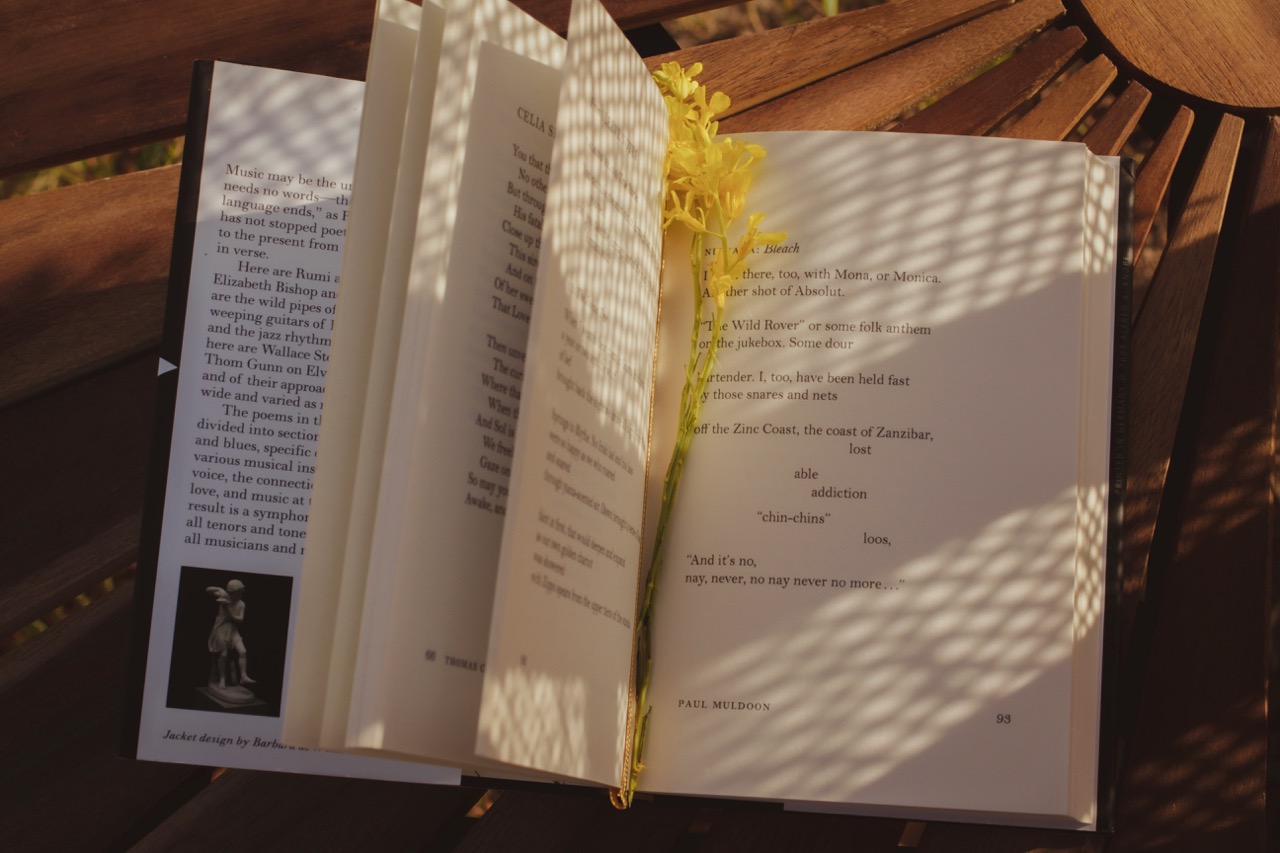
Even if you’ve never heard the phrase ‘imprint page’, you’ve no doubt seen one before. Sometimes referred to as a copyright page, an imprint page is simply a page in your book that is normally printed onto the back (or the ‘verso’) of the title page and contains all the bibliographic information about the book. This might include the author’s details, publisher’s details (and logo), the specific edition of the book, the year and place of publication, the printer’s details, the ISBN, the details of the editor and designer, and any other notes in relation to the copyright of the book. In other words, the imprint page contains the “who, what, when and how” of your book’s information.
In simple terms, an imprint page is an important part of publishing a book as it establishes and legitimises trust between the author and the reader. Regardless of whether you’re publishing your book with a big publishing company or you’re going down the self-publishing route, an imprint page is a vital element in crafting your text as it sets your book up within a larger context of the publishing world - being where it came from, who stands behind it, and who owns the information contained within the book (the copyright).
While it might be tempting to skip the imprint page step when you’re putting together your self-published book, it’s important to include it in order to establish your book in the ecosystem of published work and bolster it with professionality. Basically, having an imprint page tells your reader that your book didn’t just appear out of a vacuum. Instead, it’s got an author, a printer, and maybe a publisher, who is standing behind it and proudly distributing it.
What Does An Imprint Page Look Like In A Self-Published Book?
The imprint page in a self-published book won’t differ all that much from one you would find in a book published by an established publishing house. The main difference is who or what is detailed as the publisher of your book. For a self-published book, that’ll be you!
The first thing that is vital to include on an imprint page is the copyright. This is super simple - all you need to do is add the copyright symbol (©), your name as the copyright holder and the book’s year of publication. Then, you’ll need to add a statement reserving your rights as the copyright holder to reproduce the work, such as “All rights reserved.” This is so that no one can reproduce your work without your permission.
Other than the copyright declaration, anything else you include on your imprint page is up to you. At FolioFox, we recommend you add in a ‘reservation of rights’ to expand on the “All rights reserved” statement, including some information about the fair use of your work. It’s also helpful to add which edition of your book this is, as well as your ISBN and any cataloguing-in-publication information you might receive from the National Library of Australia if you have registered your book.

Next, make sure you add the details of the people who have contributed to your book, like the name of the editor, designer and printer. If you’re printing with us at FolioFox, we also recommend using ‘Printed in Australia by FolioFox’ with our logo on the imprint page.
It’s also a good idea to add a ‘no AI training’ notice on the copyright or imprint page of your books - you can find a template for this on the Australian Society of Authors’ website. While this isn’t a foolproof way to protect your work against AI use or training, it’s at least an assertion of your right to protect your work and who uses it.
Finally, if you’ve written, published or printed your book within Australia, it’s a good idea to insert an Acknowledgement of Country on the imprint page to let people know which traditional lands the book has been produced on.
A Template To Make Your Own Imprint Page
Use this template when creating your own imprint page in your self-published book and you’ll be good to go! We recommend using a serif body font between 9 and 10.5 pt, with comfortable line spacing and considered readability.
- First published in [year your book was first published] by [your publisher’s name, or your name as a self-published author]
- © [Your name] [Year of your book’s publication]
- [The edition of your book]
- The moral right of the author has been asserted.
- All rights reserved. Except as permitted under the Australian Copyright Act 1968 (for example, a fair dealing for the purposes of study, research, criticism or review), no part of this book may be reproduced, stored in a retrieval system, communicated or transmitted in any form or by any means without prior written permission. Enquiries should be made to the author.
- [National Library of Australia Cataloguing-in-Publication entry]
- ISBN: [Your book’s ISBN]
- Printed in Australia by [FolioFox, or your printer; include the logo here as well]
- Text design by [designer’s name]
- Cover design by [designer’s name]
- Edited by [editor’s name]
- [No AI training notice - see an example here]
- [Acknowledgement of Country]
To learn more about self-published book printing in Melbourne, get in touch with our team at FolioFox today. We're here to help you navigate the evolving world of book printing with confidence.